How to pair a bike computer with heart rate, power and cadence sensors
Pairing sensors sounds technical but takes about a minute per sensor once you know the steps. Here is how it works and what to watch for.
ANT+ or Bluetooth: what is the difference
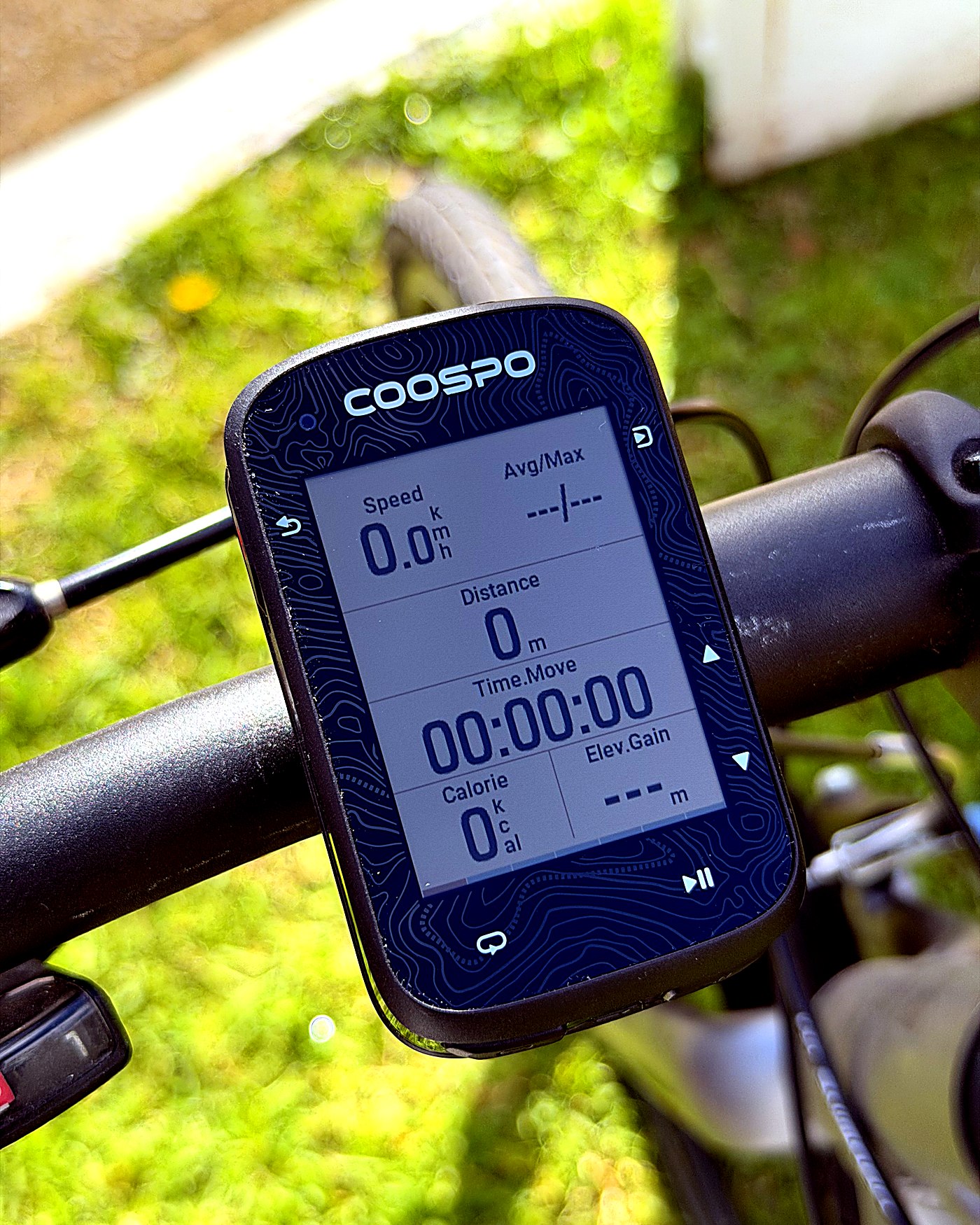
Sensors talk to your computer over one of two wireless standards. ANT+ lets a single sensor broadcast to several devices at once, so one heart-rate strap can feed your computer and your watch together, and it sips battery. Bluetooth (BLE) is built into every phone and computer and is simple to pair, but a Bluetooth sensor usually connects to just one device at a time. A unit that supports both, like the Coospo CS600, gives you the flexibility of ANT+ and the phone-friendliness of Bluetooth.
What each sensor does
A heart-rate strap reads your effort from your chest or arm. A cadence sensor on the crank measures pedal rpm. A speed sensor on the wheel measures wheel speed, which is handy indoors or where GPS is weak. A power meter, built into the crank, pedals or hub, measures your actual wattage. A smart trainer reports data and adjusts resistance to a workout. A radar unit like a Garmin Varia warns you of cars approaching from behind.
The pairing steps
First, open the sensors or pairing menu in your computer's settings and start a search. Second, wake the sensor: pedal to wake a cadence or power meter, spin the wheel for a speed sensor, or put on and moisten the contacts of a heart-rate strap. Third, pick the sensor from the detected list and confirm the type and ID match. Fourth, do a short spin or ride to confirm it is reading live. That is it, and the computer will remember the sensor next time.
Common gotchas
In a group ride or a gym, several identical sensors nearby can cause a cross-connection, so confirm you paired to your own device ID. A sensor with a low battery drops out intermittently before it dies, so a flickering reading usually means it is time for a new coin cell. A Bluetooth sensor already connected to a phone app will not also show on your computer at the same time, because Bluetooth is one-to-one, so close the app or use ANT+ instead. And magnet-based speed or cadence sensors need the magnet and sensor spaced correctly or they miss beats.
Which computer to pair with
Any of the units in our value bike computer roundup will pair with all of these sensors, because they all support ANT+ and Bluetooth. The Coospo CS600 is our pick for most riders and paired our test sensors in under a minute.
Frequently asked questions
Is ANT+ or Bluetooth better for cycling sensors?
ANT+ lets one sensor broadcast to several devices at once and uses less battery, which suits dedicated computers and watches. Bluetooth is built into phones and simple to pair but usually connects to one device at a time. A computer that supports both gives you the best of each.
Why does my bike computer not find my sensor?
Common causes are a sensor that is asleep (wake it by pedalling, spinning the wheel or moistening a heart-rate strap), a flat sensor battery, or the sensor already being connected to a phone app over Bluetooth. Start the search from the computer's sensor menu with the sensor awake and nearby.
Can I pair a power meter and heart-rate strap at the same time?
Yes. Bike computers pair multiple sensor types at once, so a power meter, heart-rate strap, cadence and speed sensors can all connect together and show on the same screen.